Export
From Meshify to a FiveM resource.
Finish the asset visually, tell Meshify where it belongs, and export. Meshify handles the resource-oriented output and creates three LOD levels for the FiveM target.
On this page
Before you export
Open the finished project and check it from more than one camera angle. For character jewelry, Meshify also needs access to a local GTA V installation so it can use the correct ped skeleton.
Export settings
Choose Export → FiveM / GTA V, then open Addon & folder. The important choices are the resource identity and where it should be written.
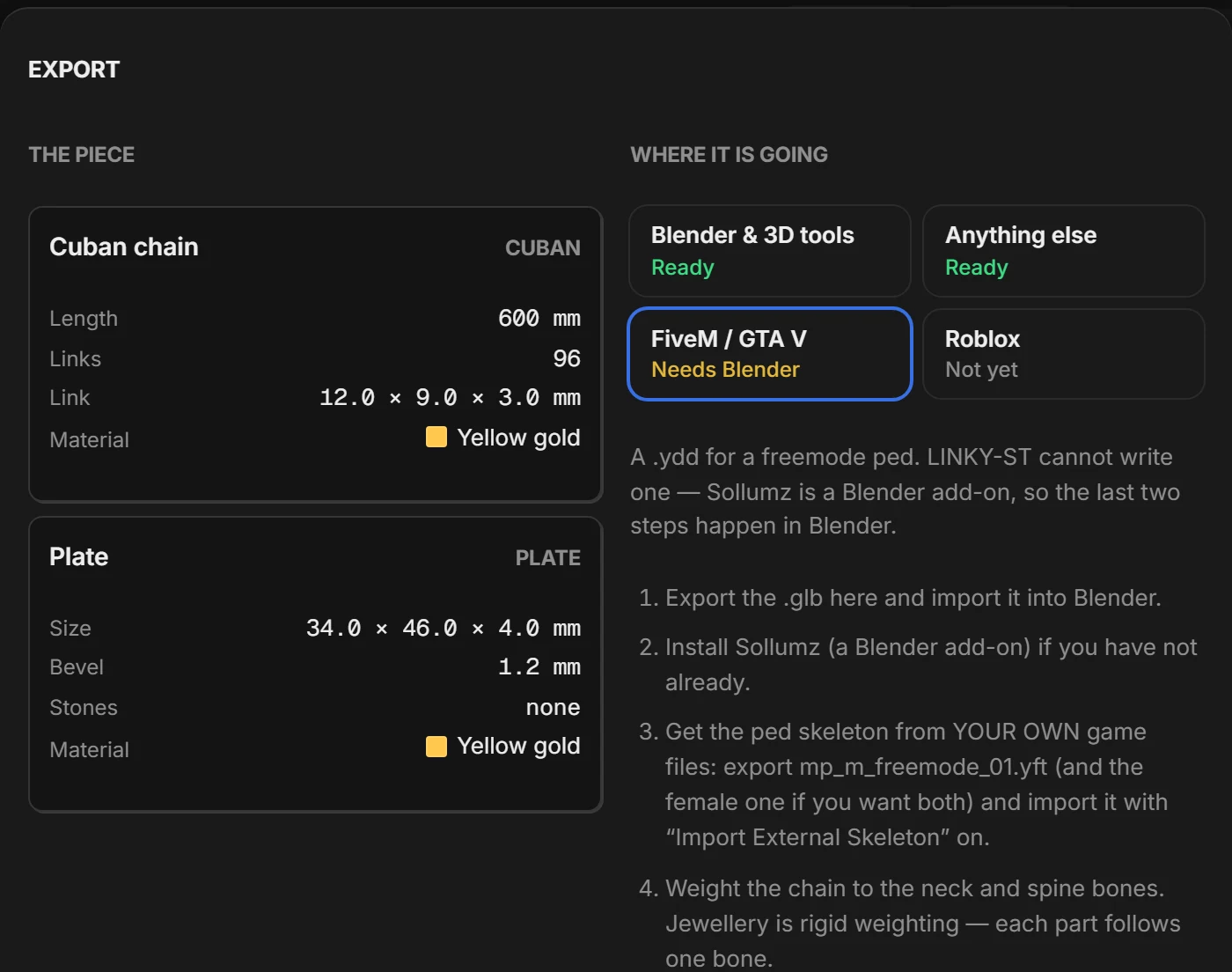
For wearable jewelry, choose the character target and the appropriate clothing slot. The current UI can target Male + Female together.
What Meshify creates
The FiveM path writes a resource instead of leaving you with a loose interchange file. At a high level, the output includes the resource manifest plus drawable, texture and apparel metadata used by the addon.
<resource-name>/ fxmanifest.lua stream/ <drawable>.ydd <textures>.ytd <apparel-data>.ymtCheck the result
- Open the export folder and confirm the resource directory was created.
- Keep the generated files together; do not rename one file in isolation.
- Put the resource into your normal FiveM server workflow and verify the wearable in game.