Loading

Getting started

Introduction

Meshify makes game-ready 3D assets for Roblox and FiveM without modelling anything. This is what it does and how the pieces fit.

  • Beginner
  • 3 min

Why this exists

Every asset you buy is a closed file. If the length is wrong, if the metal does not match, if the proportions are off for your character — you buy again, or you learn Blender. Both cost more than the asset did.

Meshify flips that around. A piece is not a mesh here, it is a handful of parameters: length, link, thickness, stones, material. The geometry is generated from those numbers every time you change one, which means a variation costs a slider instead of another purchase — and the fortieth version costs exactly what the first one did.

What you can make

Four families of asset, all of them parametric and all of them exportable to both engines. The controls change per family; the path from template to file does not.

Jewellery

Chains, pendants, rings, stone settings

Clothing

Shirts, jackets and vests over a base body

Props

Objects, set pieces and scene furniture

Accessories

Hats, glasses, bags and hand-held items

How it works

Four steps, and the whole of the quick start is a walk through them with a real asset.

  1. 01

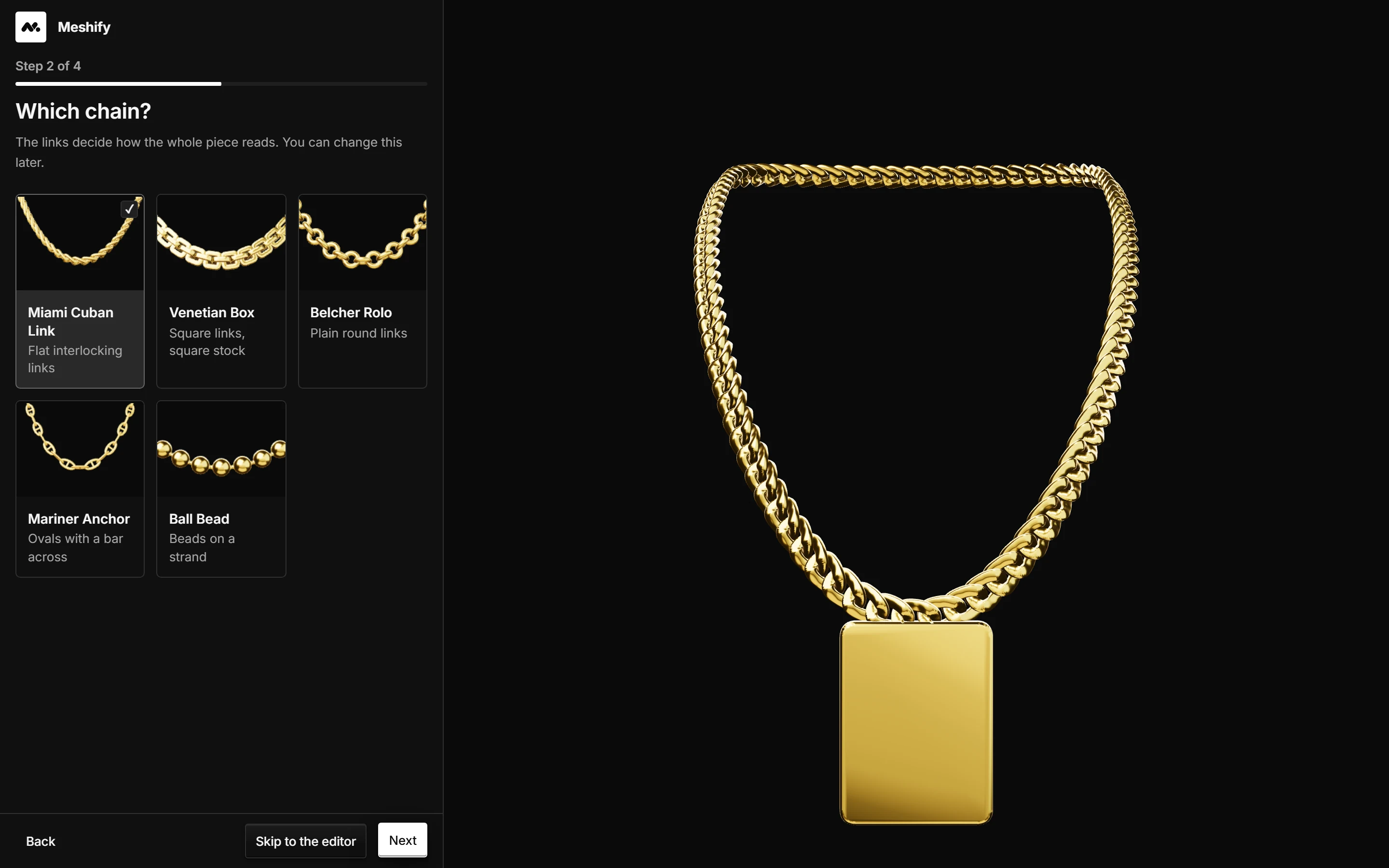
    Pick a template

    A starting point with the scale for your engine already set.

  2. 02

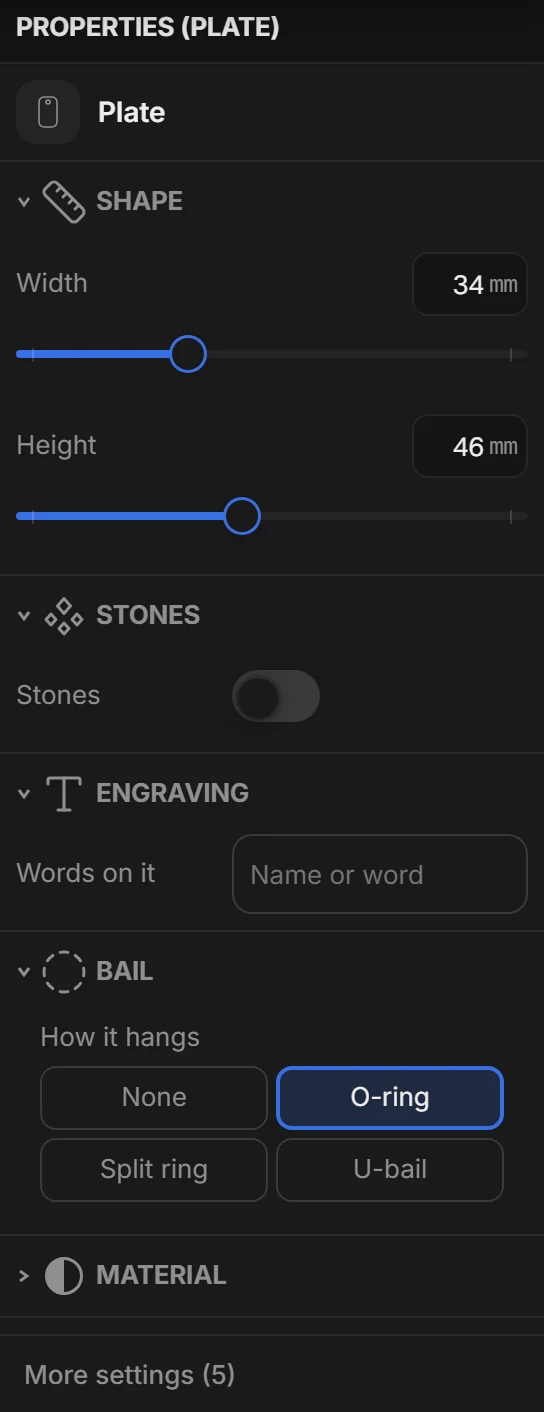
    Move the sliders

    Dimensions, materials and whatever else the family exposes.

  3. 03

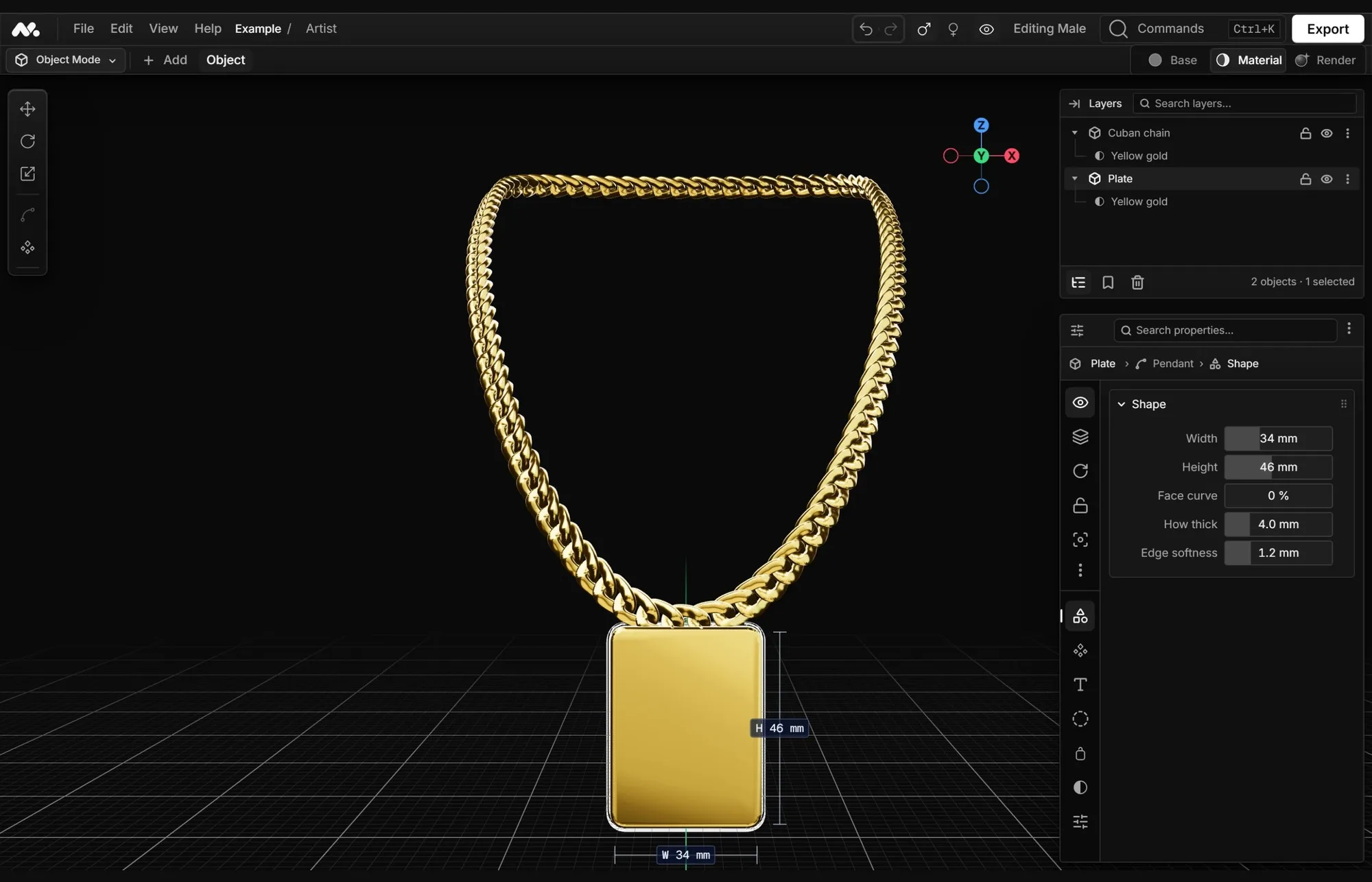
    Check the viewport

    What you see is the mesh that gets written — not a preview of it.

  4. 04

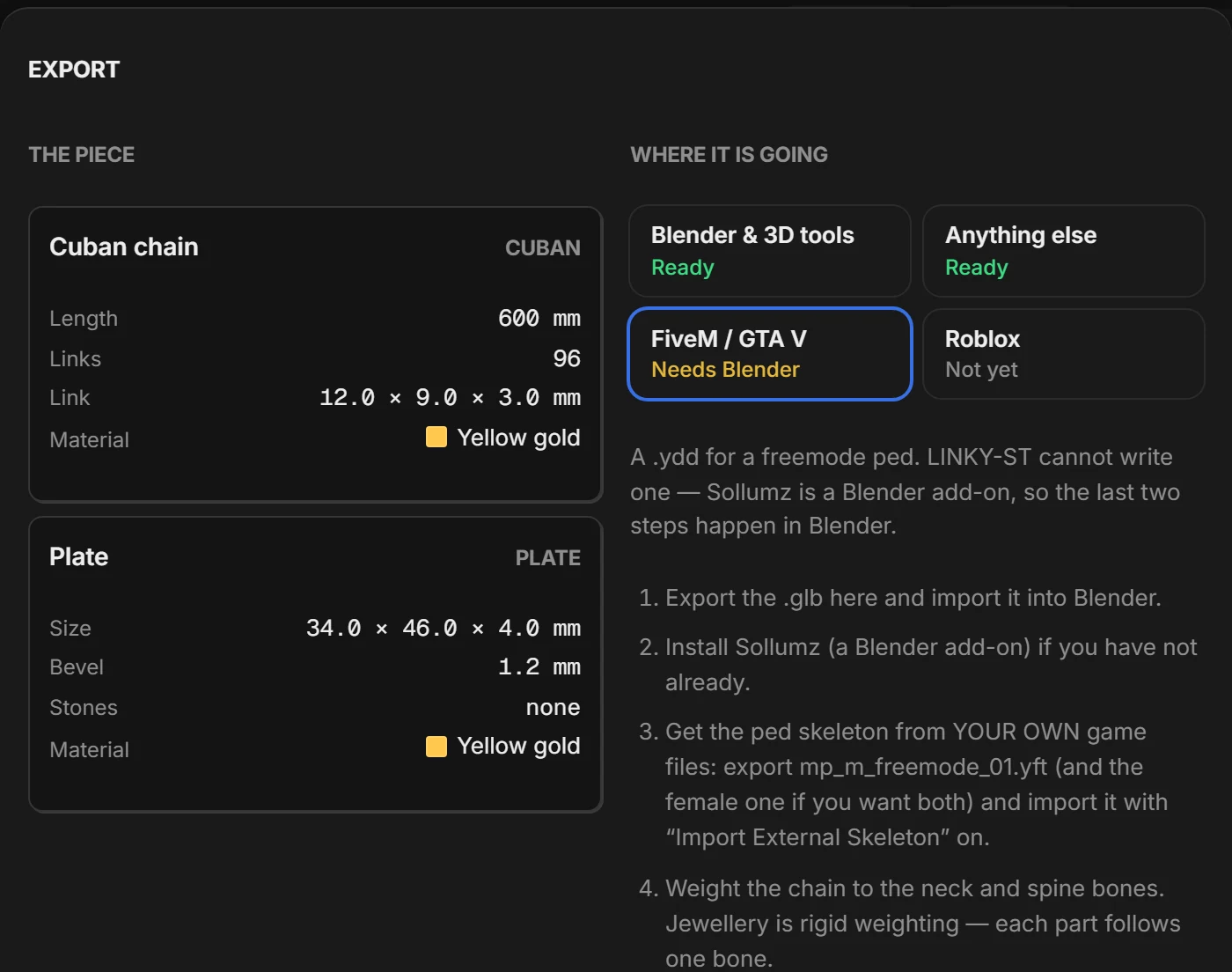
    Export

    A .glb for Roblox Studio, or the FiveM path with Sollumz.

FAQ

Do I need to know Blender or 3D modelling?

No — that is the reason the editor exists. A piece is defined by parameters (length, link, thickness, setting) and the geometry builds itself. If you can drag a slider, you can use Meshify.

Do the pieces work on any FiveM server?

The editor writes a .glb, which is not a FiveM format: you convert it to .ydd with Sollumz, the same path anyone making clothing already uses. It works for Legacy and for Enhanced. LODs and collisions are specified and not built yet — the export summary says so before it writes the file.

Do my projects go to any cloud?

No. Projects live on your machine as .meshify files and nothing you make is uploaded. Your account is for your subscription, not for your work.

What exactly does a .meshify file store?

Parameters and a seed, not a mesh. That is why the piece is still editable a year from now, and why changing the length does not mean rebuilding the array.

Can I sell the pieces I make?

Yes. Every export you make while your Pro subscription is active is yours to sell — in a server, in a store, as part of a paid pack.

I found a bug. Where do I report it?

In #support on Discord, with the build version and, if you can, the .meshify that reproduces it. Bugs with a file attached get fixed much sooner.

Getting help

The team and the community answer daily on Discord. Bring the build version and, if you can, the.meshify that reproduces the problem — bugs with a file attached get fixed much sooner.

#support

Bugs, crashes and anything that does not export the way it should.

#showcase

Show your pieces. Half the roadmap comes out of this channel.

#announcements

Every build, with its changelog and its known issues.

#presets

Chains and settings the community shares for anyone to reuse.

Join the Discord
Documentation
esc