Create
Start from something that stays editable.
The Library shows generators Meshify can actually create today. Choosing one gives you an editable object with controls, not a dead model you have to rebuild by hand.
On this page
Generators, not files
A generator creates geometry from understandable values such as chain style, length, link width, ring size and metal. Change a value later and Meshify rebuilds the object.
Chains
The current chain generators are Miami Cuban Link, Venetian Box, Belcher Rolo, Mariner Anchor and Ball Bead.
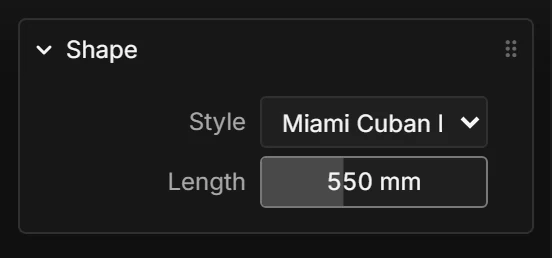
Chains expose controls such as Style, Length, Link width, Link direction and Metal. Advanced controls exist when you need finer control, but they are not required to get started.
Rings
The current ring generators are Flat, Comfort fit and Round bands. Ring size is exposed as a real US size instead of asking you to guess a raw scale value.
Materials
Generated jewelry can use six metal presets: Yellow gold, White gold, Rose gold, Silver, Platinum and Black metal. Finish controls can override base colour, metallic response and roughness.
Roughness is simple in practice: lower values look more mirror-polished; higher values look more matte.
Imported meshes
Meshify can also bring in an existing STL, OBJ or PLY mesh. An import is not a generator, so it enters through a file picker rather than appearing as a Library generator card.
Because those formats do not reliably record what one unit means, Meshify lets you correct the imported file unit: millimetres, centimetres, metres or inches.